Celownik pro gracza CS2
W Counter-Strike 2 nawet najmniejsze ustawienia mogą mieć ogromne znaczenie. Oto przegląd ustawień celownika używanych przez profesjonalnych graczy. Dzięki odpowiednim ustawieniom możesz zoptymalizować celowanie, reagować szybciej i znacznie zwiększyć swoje szanse na zabójstwo w kluczowych momentach.
Danil “donk” Kryshkovets
Znany jako młode cudowne dziecko, słynące z niesamowitych umiejętności strzelania i wpływu na grę w najlepszych meczach CS2.
CSGO-2coDu-XTjA8-hJ5to-7iwyK-BDr7C
DPI: 800
Czujność: 1,25
Mathieu “ZywOo” Herbaut
Często nazywany „Wybrańcem”, konsekwentnie zajmujący czołowe miejsca w światowych rankingach i zdobywający nagrody MVP.
CSGO-E9RyF-Mv3Uv-67Cp3-GtHxR-k8aYO
DPI: 400
Czujność: 2
Ilya “m0NESY” Osipov
Nazywany „Baby GOAT”, supergwiazda AWP, która już w bardzo młodym wieku wykazała się niewiarygodnymi umiejętnościami mechanicznymi.
CSGO-VHcPj-yPL6x-NAHqX-s2yyW-o2OtQ
DPI: 400
Czujność: 2,3
Robin “ropz” Kool
Znany ze swoich przemyślanych zagrań i licznych zwycięstw na majorach!
CSGO-MMQuh-Hs3Sj-Qv9zd-VaCmc-3QqNO
DPI: 400
Czujność: 1,77
Oleg “s1mple” Kostyliev
Powszechnie uważany za najlepszego gracza CS:GO, znany ze znakomitej celności, niesamowitych clutchów i rekordowych nagród MVP.
CSGO-Te79P-LJPmC-9rQNM-Z9m3J-zMpYF
DPI: 400
Czujność: 3,09
Boris “magixx” Vorobyev
Stał się viralem dzięki klipowi „67”. Wschodząca gwiazda z świetnymi zagraniami w swojej drużynie.
CSGO-3P8vG-eFro9-pvpiB-Ut7o3-dv6KQ
DPI: 400
Czujność: 1,5
Nikola “NiKo” Kovač
Każdy zna „deagle'a wiffa”, który ciągle utrzymuje najwyższy poziom gry i prowadzi swoją drużynę do zwycięstw.
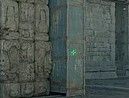
CSGO-LfYUV-BtxVq-iAmCV-DpFQZ-5eRqJ
DPI: 800
Czujność: 1
Russel “Twistzz” Van Dulken
Słynie z kluczowych rund i konsekwentnych, elitarnych występów.
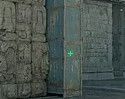
CSGO-OComx-ewftc-UrLZC-JDPjx-Pd74E
DPI: 400
Czujność: 2,3
Ismailcán “XANTARES” Dörtkardeş
Nazwano peak po jego akcji!
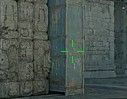
CSGO-xbpe2-E24RJ-YXNuO-pQvt8-ppNAK
DPI: 400
Czujność: 2,3
David “frozen” Čerňanský
Niezawodny do strzelania na wysokim poziomie i uzyskiwania powtarzalnych wyników w turniejach.
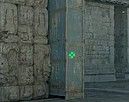
CSGO-J76WS-DiJ5B-BeD2T-afhqm-xKn2H
DPI: 400
Czujność: 2
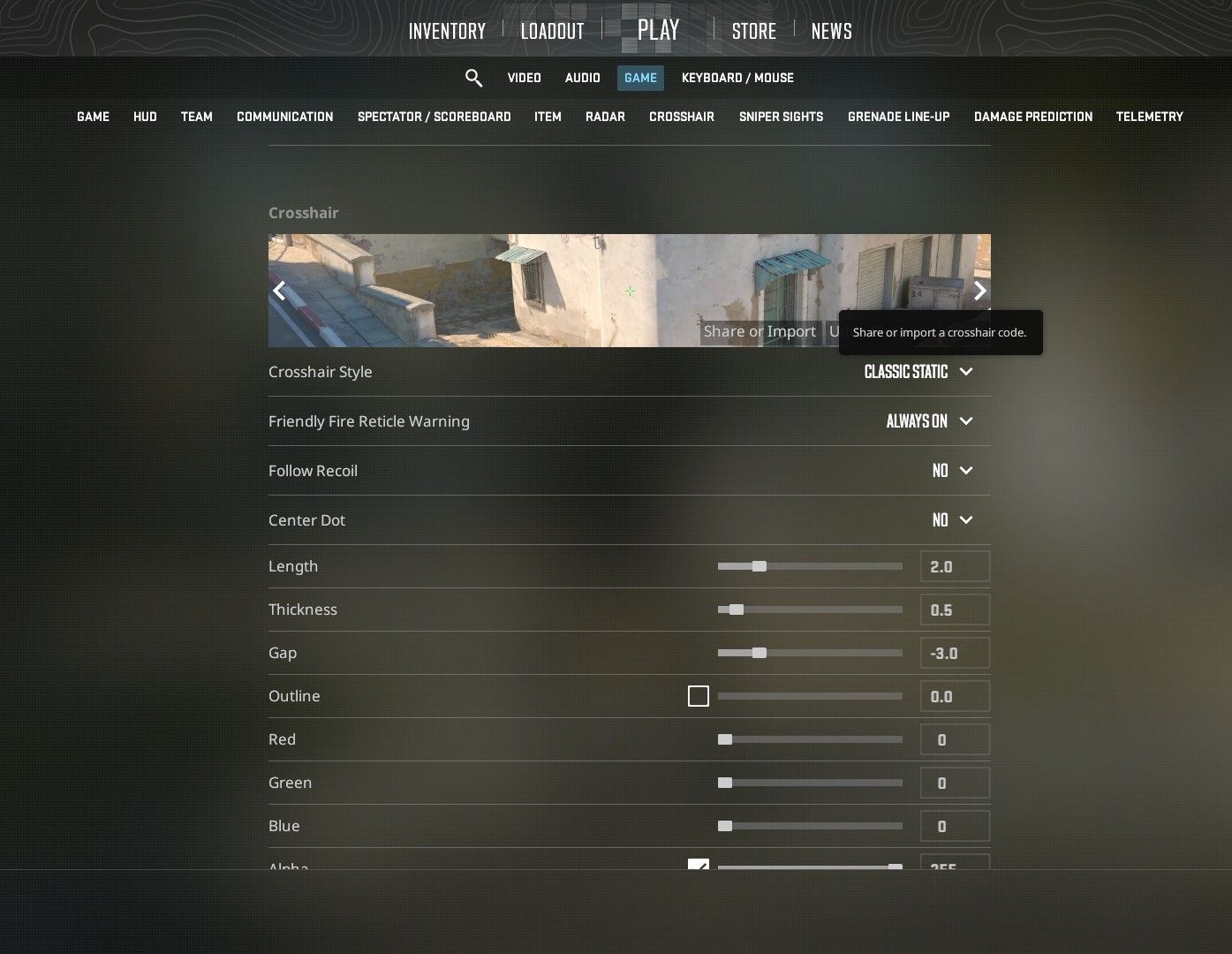
Aby zastosować celownik w grze, wystarczy przejść do sekcji „Celownik” w ustawieniach gry i kliknąć „Udostępnij lub importuj”. Następnie wklej kod, a będziesz mógł używać wybranego celownika w grze.