CS2 Pro Player Crosshairs
In Counter-Strike 2, even the smallest settings can make a huge difference. Here’s a look at the crosshair setups used by pro players. With the right settings, you can optimize your aiming, react faster, and significantly increase your chances of securing kills in crucial moments.
Danil “donk” Kryshkovets
Known as the young prodigy, famous for his insane rifling and impact in top CS2 matches.
CSGO-2coDu-XTjA8-hJ5to-7iwyK-BDr7C
DPI: 800
Sensitivity: 1.25
Mathieu “ZywOo” Herbaut
Often called the “The Chosen one” , consistently topping global rankings and racking up MVPs.
CSGO-E9RyF-Mv3Uv-67Cp3-GtHxR-k8aYO
DPI: 400
Sensitivity: 2
Ilya “m0NESY” Osipov
Nicknamed the “baby GOAT”, a superstar AWP talent with unbelievable mechanical skill at a very young age.
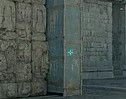
CSGO-VHcPj-yPL6x-NAHqX-s2yyW-o2OtQ
DPI: 400
Sensitivity: 2.3
Robin “ropz” Kool
Famous for his calculated plays and multiple Major victories.
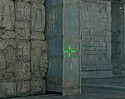
CSGO-MMQuh-Hs3Sj-Qv9zd-VaCmc-3QqNO
DPI: 400
Sensitivity: 1.77
Oleksandr “s1mple” Kostyliev
Widely regarded as the GOAT of CS:GO, known for peak-level aim, insane clutches, and record-breaking MVPs.
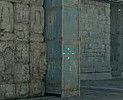
CSGO-Te79P-LJPmC-9rQNM-Z9m3J-zMpYF
DPI: 400
Sensitivity: 3.09
Boris “magixx” Vorobyev
Went viral for his “67” clip. A rising star with big plays for his team.
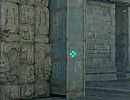
CSGO-3P8vG-eFro9-pvpiB-Ut7o3-dv6KQ
DPI: 400
Sensitivity: 1.5
Nikola “NiKo” Kovač
Everyone knows the deagle whiff, still consistently performing at the highest level and leading his team to victories.
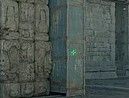
CSGO-LfYUV-BtxVq-iAmCV-DpFQZ-5eRqJ
DPI: 800
Sensitivity: 1
Russel “Twistzz” Van Dulken
Famous for clutch rounds and consistent elite performances.
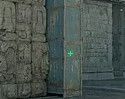
CSGO-OComx-ewftc-UrLZC-JDPjx-Pd74E
DPI: 400
Sensitivity: 2.3
İsmailсan “XANTARES” Dörtkardeş
Got a peek called after him
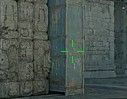
CSGO-xbpe2-E24RJ-YXNuO-pQvt8-ppNAK
DPI: 400
Sensitivity: 2.3
David “frozen” Čerňanský
Reliable for high-level rifling and consistent tournament results.
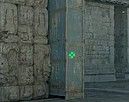
CSGO-J76WS-DiJ5B-BeD2T-afhqm-xKn2H
DPI: 400
Sensitivity: 2
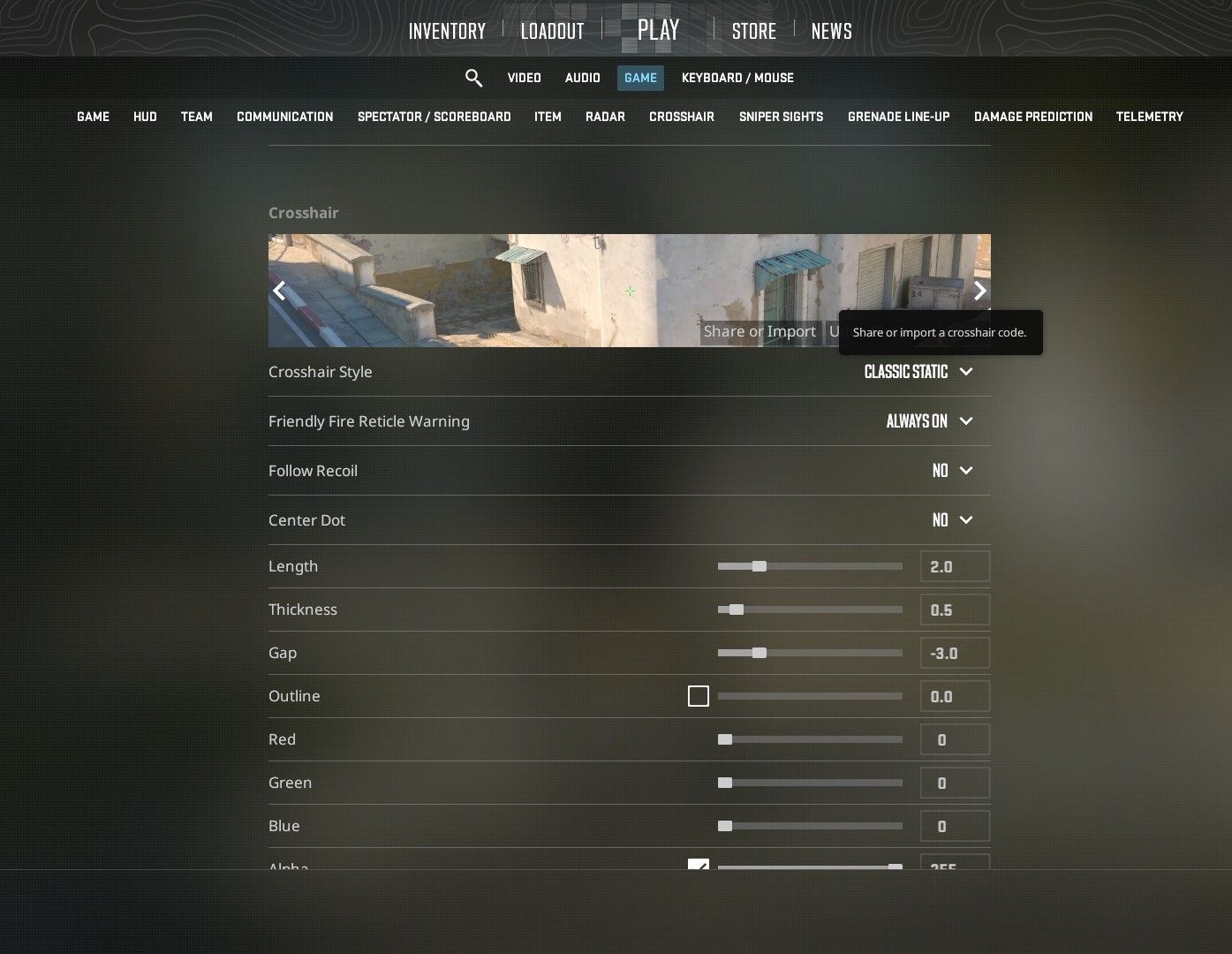
To apply the crosshair in-game, simply go to the “Crosshair” section in the game settings and click on “Share or Import.” Then paste the code, and you’ll be able to use the desired crosshair in your game.